
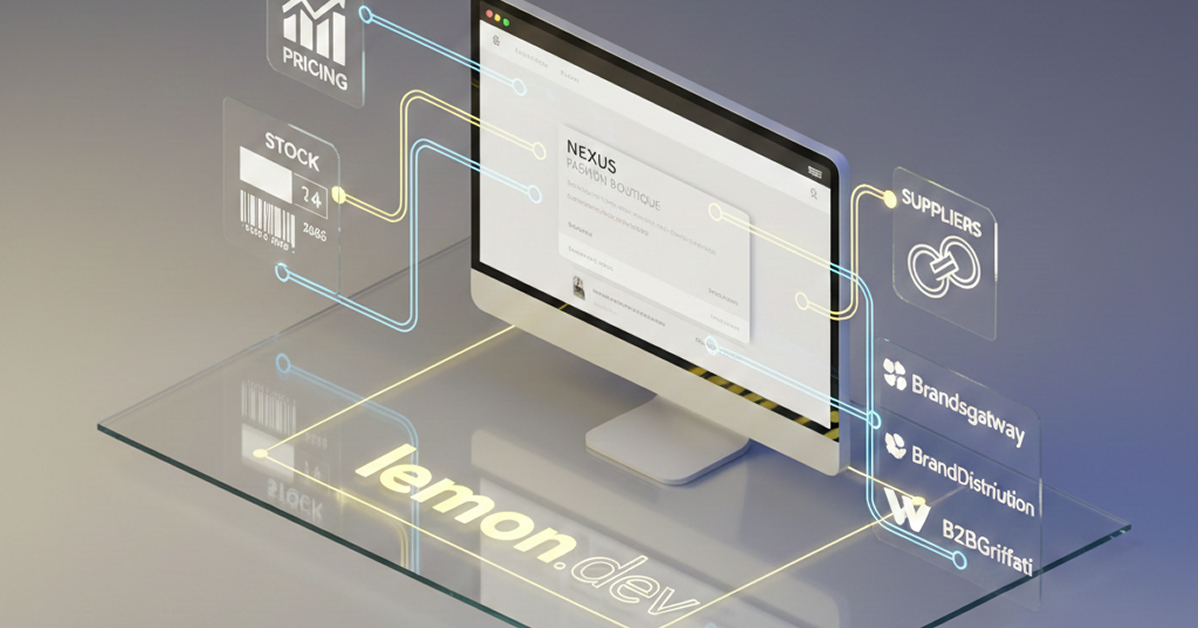
How to Organize 10,000+ Fashion Products in Shopify
Importing 10,000 products into Shopify is easy.
Making 10,000 products easy to shop is much harder.
This is one of the most common challenges faced by fashion stores using large dropshipping and wholesale suppliers.
When supplier data is imported without a clear strategy, stores can quickly develop hundreds of confusing collections, duplicated categories and navigation that customers struggle to understand.
The solution is to design your Shopify catalog architecture before organizing the products.
Start With the Customer, Not the Supplier
A supplier might provide category structures designed for managing inventory.
Your customers have different needs.
For example, your supplier might classify an item as:
Woman > Apparel > Outerwear > Seasonal Jacket
That doesn’t mean your Shopify navigation needs to reproduce the same structure.
A simpler customer-facing structure might be:
Women > Clothing > Jackets
Your supplier taxonomy should feed your internal automation.
Your Shopify taxonomy should serve your customers.
Build Your Main Collection Structure
For a large fashion catalog, begin with broad shopping intentions.
For example:
Women
- Clothing
- Shoes
- Bags
- Accessories
Men
- Clothing
- Shoes
- Bags
- Accessories
Then introduce subcategories only where they genuinely help customers.
Under Women’s Clothing:
- Dresses
- Tops
- T-shirts
- Knitwear
- Jackets
- Coats
- Trousers
- Jeans
- Skirts
This creates predictable navigation.
Create Brand Collections Automatically
Fashion shoppers often browse by designer.
Instead of manually creating and maintaining every designer collection, use Shopify automation to populate them according to product data.
Your navigation could include:
Brands
A
B
C
D
…
Customers can then browse individual designer collections independently from product categories.
Use Filters Instead of Hundreds of Collections
Not every product characteristic needs its own collection.
Use filters for properties such as:
- Size
- Color
- Price
- Brand
- Material
- Availability
For example, you don’t necessarily need separate permanent collections for:
Black Gucci Bags
Brown Gucci Bags
White Gucci Bags
You can have:
Gucci Bags
and allow customers to filter by color.
This produces a much cleaner architecture.
Normalize Multiple Supplier Catalogs
If you’re using several suppliers, their data structures will rarely match perfectly.
One supplier might use:
Sneakers
Another:
Trainers
Another:
Sports Shoes
Rather than creating three Shopify categories, normalize the products into:
Sneakers
The customer shouldn’t need to know which supplier provides the product.
Your storefront should present one consistent classification system.
Build Navigation Around Shopping Behaviour
Your mega menu might look like:
WOMEN
Clothing
Dresses
Tops
T-shirts
Jackets
Coats
Jeans
Shoes
Sneakers
Boots
Heels
Sandals
Accessories
Bags
Belts
Sunglasses
Watches
Discover
New Arrivals
Designer Brands
Sale
This provides customers with multiple ways to discover products without overwhelming them.
Don’t Forget Search
Search becomes increasingly important as catalog size grows.
Customers may search directly for:
Gucci
Gucci shoulder bag
black sneakers
Michael Kors wallet
Your search experience should therefore understand products, brands and categories correctly.
Clean product data plays a major role here.
Large Catalogs Need Automation
The biggest mistake is attempting to manually maintain a catalog of 10,000–30,000 supplier products.
Supplier inventory changes constantly.
Instead, automate as much as possible:
Supplier → Shopify data → Mapping rules → Collections → Navigation
Human effort should then focus on merchandising, marketing and customer experience rather than repetitive catalog administration.
We Build Large-Catalog Shopify Stores
Lemon.dev specializes in fashion Shopify stores using supplier catalogs.
We configure:
- Supplier integrations
- Category mapping
- Automated collections
- Product organization
- Mega menus
- Brand pages
- Filters
- Product pages
- Fashion-focused Shopify UX
Whether your catalog contains 1,000 or 20,000+ products, the goal is the same:
Make a large catalog feel simple to shop.
If you already have a supplier but don’t want to spend weeks organizing Shopify, Lemon.dev can build the complete store structure and prepare it for launch.