
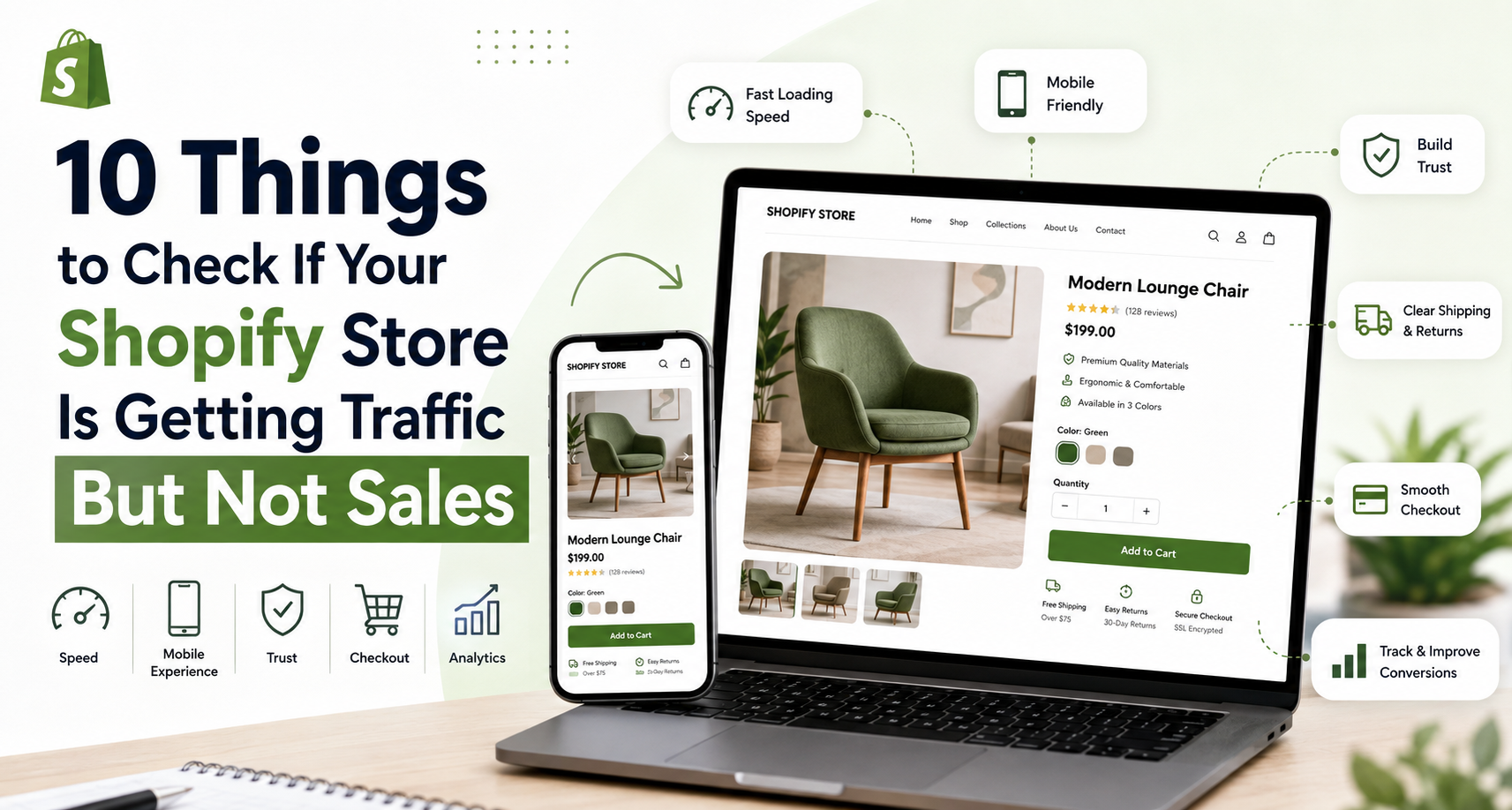
Shopify Store Not Getting Sales? 10 Things to Check
Your Shopify store is getting visitors, but sales are still slow.
It can be frustrating. You may be investing in ads, SEO, social media, and content, yet customers visit your store and leave without buying.
Before spending more money on traffic, take a closer look at your website.
A Shopify store not getting sales doesn’t always have a traffic problem. It may have a conversion problem.
Sometimes, a small issue on your website can make a big difference. Maybe your product pages don’t answer enough questions. Perhaps the mobile experience is difficult to use. Or customers may not feel confident enough to complete their purchase.
The good news is that these problems can often be found and fixed.
Here are 10 things to check if your Shopify store is getting traffic but not sales.
1. Check your product pages
Your product page is one of the most important parts of your Shopify store.
This is where customers decide whether they want to buy. If the page doesn’t give them enough information, they may leave and look somewhere else.
A good product page should include:
- Clear product images
- A strong product title
- A useful description
- Product details and specifications
- Available sizes or variants
- Customer reviews
- Shipping information
- Return information
- A clear Add to Cart button
Think about the questions customers might have before buying.
Can they understand the product quickly?
Do they know what makes it worth buying?
Do they have enough information to make a decision?
If the answer is no, your product page may be costing you sales.
2. Check your website speed
People don’t like waiting for websites to load.
A slow Shopify store can lead to a poor experience, especially on mobile. Large images, too many apps, videos, tracking scripts, and unnecessary code can all affect performance.
Take a look at your website speed and identify anything that could be slowing the store down.
You can start by:
- Compressing large images
- Removing apps you no longer use
- Reducing unnecessary animations
- Reviewing third-party scripts
- Keeping your theme clean and optimized
A faster store makes it easier for customers to browse products and complete their purchases.
3. Check the mobile experience
Your store may look great on a desktop but still be difficult to use on a phone.
That’s a problem.
Customers should be able to browse, search, view products, add items to their cart, and checkout without struggling.
Open your Shopify store on your own phone and shop as if you were a customer.
Check:
- Is the navigation easy to use?
- Are buttons large enough?
- Can you read the text easily?
- Do product images display correctly?
- Are pop-ups covering important information?
- Is the checkout simple?
If the mobile experience feels frustrating to you, it will probably feel frustrating to your customers too.
4. Check your navigation
Imagine entering a physical store where you can’t find anything.
You probably wouldn’t stay for long.
The same is true online.
Your Shopify navigation should help customers find what they want without making them think too much.
Keep your main menu simple and organize products into clear categories and collections.
For example, a fashion store might use:
Women → Clothing → Dresses → Evening Dresses
instead of putting dozens of unrelated categories into one menu.
Also, make sure your search and collection filters work properly.
When customers can find products quickly, they are more likely to continue shopping.
5. Check if your Store looks trustworthy
Customers need to feel comfortable before giving you their money.
If your store looks unfinished or unclear, people may hesitate to buy even when they like your products.
Trust comes from many small details.
Make sure your store has:
- Customer reviews
- Clear contact information
- Professional product images
- Easy-to-find shipping information
- A clear returns policy
- Secure payment options
- Consistent branding
- Helpful FAQs
You don’t need dozens of trust badges everywhere.
Instead, focus on making the entire shopping experience feel professional and reliable.
6. Check your product information
One reason a Shopify store may not be getting sales is simple: customers don’t have enough information.
Online shoppers can’t touch the product or try it before buying. Your website needs to provide enough detail to help them feel confident.
For a fashion store, customers may want to know:
- What is it made from?
- How does it fit?
- What are the measurements?
- Is it true to size?
- How should it be cared for?
For furniture, they may need dimensions, materials, weight, and delivery information.
The more questions you answer before checkout, the fewer reasons customers have to leave.
7. Make shipping and returns clear
Shipping costs and return policies can have a big impact on buying decisions.
A customer may love a product but change their mind after discovering an unexpected shipping fee.
Make important information easy to find.
Customers should be able to understand:
How much is shipping?
How long will delivery take?
Do you offer international shipping?
Can the product be returned?
Who pays for return shipping?
Don’t hide this information at the bottom of your website.
Add important details to your product pages, FAQ, shipping page, and returns page.
Clear information helps customers buy with confidence.
8. Look at your checkout
Someone who adds a product to their cart has already shown buying interest.
If they leave at checkout, something may be stopping them.
Review your checkout process and look for unnecessary friction.
Check whether:
- Shipping costs are clear
- Payment options are easy to understand
- The checkout works well on mobile
- Customers can check out without unnecessary steps
- There are unexpected costs
- Discount codes work correctly
- Your payment methods are reliable
Try completing an order yourself.
Sometimes, the easiest way to find a checkout problem is simply to experience it as a customer.
9. Give customers a reason to choose you
Having a good product isn’t always enough.
Customers have more choices than ever. They can compare your products, prices, shipping, reviews, and brand with competitors in seconds.
So ask yourself:
Why should someone buy from your store instead of another store?
Your answer could be:
- Exclusive products
- Better service
- Free shipping
- Faster delivery
- A unique brand
- Better product selection
- Easy returns
- Expert knowledge
- A strong customer experience
You don’t always need to offer a discount.
Instead, make sure your store clearly communicates what makes your business different.
10. Check your analytics
Finally, look beyond the number of visitors.
Traffic tells you how many people arrive at your store. It doesn’t tell you why they leave.
Look at the complete customer journey:
Visitors → Product Views → Add to Cart → Checkout → Purchase
This can help you find the problem.
For example, if you have lots of visitors but very few product views, your homepage or navigation may need work.
If people view products but don’t add anything to their cart, check your product pages, pricing, images, and offer.
If customers add products to their carts but don’t complete checkout, investigate shipping, payment options, unexpected costs, and checkout friction.
The goal isn’t simply to get more visitors. It’s to turn more of your existing visitors into customers.
Before you spend more on advertising
When a Shopify store isn’t getting sales, the first thought is often:
“We need more traffic.”
Sometimes that’s true.
However, if your store already receives visitors and those visitors aren’t buying, more traffic may not solve the real problem.
Imagine you have 1,000 visitors and only a few purchases.
Sending another 5,000 people to the same website won’t automatically fix the conversion issue.
Instead, first look at what happens after people arrive.
Review your:
Product pages.
Mobile experience.
Navigation.
Website speed.
Trust signals.
Shipping information.
Checkout.
Analytics.
Find the biggest problem and fix that first.
A Shopify Store needs to do more than look good
Good design is important.
But design alone doesn’t create sales.
Your Shopify store needs to make the entire buying process easy.
Customers should be able to find products quickly, understand what they’re buying, trust your business, and complete their purchase without unnecessary obstacles.
That’s why design, UX, performance, content, and conversion all work together.
If your Shopify store is getting traffic but sales are not following, don’t immediately assume you need more visitors.
Start by asking a better question:
“Where are my customers dropping off?”
Once you find that point, you can start improving it.
Is your Shopify Store ready to convert more visitors?
At Lemon.dev, we help businesses build, redesign, and improve Shopify stores with a focus on design, performance, user experience, and conversion.
If your Shopify store is getting traffic but not generating the sales you expect, the problem may not be your marketing.
It may be the store itself.
Sometimes, improving the experience for the customers you already have is the first step toward getting more sales.