
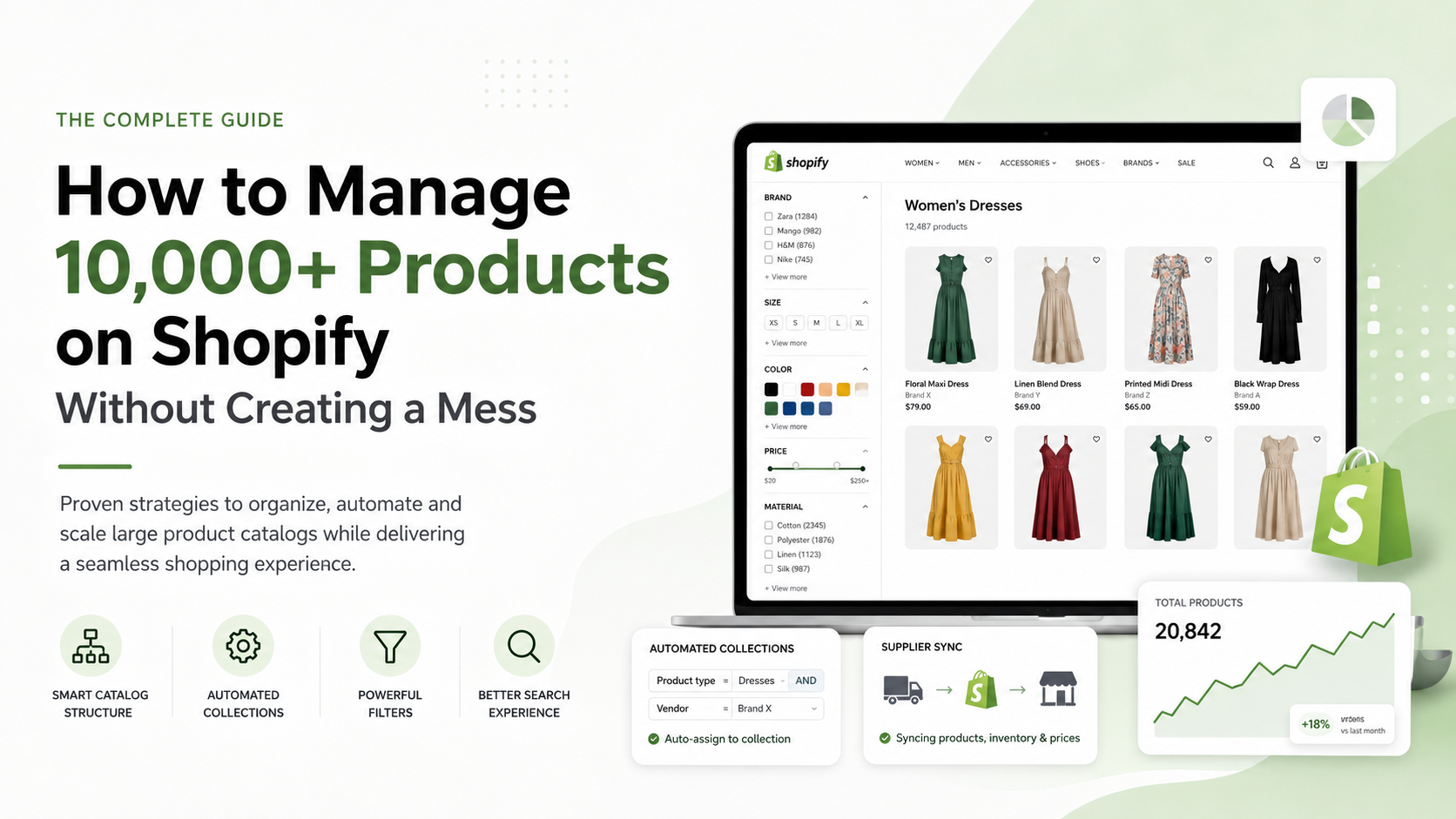
How to manage 10,000+ products on Shopify without creating a mess
Shopify can handle large product catalogs, but having thousands of products creates a different challenge:
organization.
Once a store grows to 10,000, 20,000 or even 50,000+ products, manually organizing everything becomes increasingly difficult.
Collections multiply. Tags become inconsistent. Navigation becomes complicated. Supplier data changes. Filters stop making sense.
Eventually, customers struggle to find products and the internal team spends too much time managing the catalog.
Here’s how to approach a large Shopify catalog more effectively.
1. Start with catalog architecture
Before creating hundreds of collections, define the structure of your catalog.
For example, a fashion retailer might use:
Women → Clothing → Dresses → Maxi Dresses
instead of creating unrelated collections with inconsistent naming.
Define your:
- Main categories
- Subcategories
- Product types
- Vendors
- Brands
- Attributes
- Collections
The structure should remain understandable even as thousands of new products are added.
2. Standardize product data
Large catalogs become difficult to manage when similar products use different terminology.
For example:
T-Shirt
T Shirt
Tshirt
Tees
These differences may appear small, but across thousands of products they can create problems with:
- Filters
- Collections
- Search
- Automation
- Reporting
Create clear rules for product data before importing large quantities of products.
3. Don’t rely on tags for everything
Tags are useful, but large stores can easily end up with hundreds or thousands of inconsistent tags.
Where appropriate, use structured Shopify data such as:
- Product type
- Vendor
- Product category
- Metafields
- Metaobjects
- Variant options
This creates a cleaner foundation for filters, templates and automation.
4. Use automated collections
Manually adding products to collections doesn’t scale well.
Instead, create automated collection rules.
For example:
Product type = Dresses
AND
Vendor = Brand X
Products meeting those conditions can automatically enter the correct collection.
This becomes particularly useful when products are frequently imported from suppliers.
5. Build useful filters
Imagine entering a fashion store containing 20,000 products without filters.
Even if the website looks beautiful, finding something specific becomes difficult.
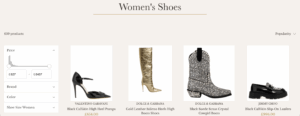
Filters should reflect the attributes customers actually care about.
Examples:
- Brand
- Size
- Color
- Price
- Material
- Product type
- Availability
Avoid creating filters simply because data exists.
A useful filter reduces the number of products customers need to review.
6. Design navigation around customers
Your backend structure and customer-facing navigation don’t need to be identical.
Customers shouldn’t need to understand your product database.
They simply need a predictable path toward the right products.
For large catalogs, mega menus can work particularly well because they allow customers to see multiple levels of navigation without repeatedly loading pages.
7. Improve Shopify search
Search becomes increasingly important as catalog size increases.
Product data should therefore be structured with search in mind.
Consider:
- Descriptive product titles
- Correct brand/vendor data
- Relevant product types
- SKUs
- Search synonyms
- Predictive search
- Common customer terminology
Someone searching for “black leather handbag” shouldn’t have to know the exact internal product name.
8. Automate supplier imports
Supplier-connected stores introduce another layer of complexity.
Products may continuously:
- Appear
- Disappear
- Change price
- Change inventory
- Receive updated images
- Receive updated descriptions
Manual management quickly becomes unrealistic.
Where possible, automate:
Supplier → Shopify → classification → collection → storefront.
The goal isn’t simply importing products.
The goal is importing them correctly.
9. Separate supplier data from customer-facing content
Supplier descriptions are often created for distribution rather than conversion.
Thousands of stores may also receive the same content.
Consider improving important product and collection content rather than displaying raw supplier information everywhere.
This is particularly important for:
- Collection descriptions
- High-value products
- Best sellers
- SEO landing pages
- Brand pages
You don’t necessarily need to manually rewrite 20,000 products.
Prioritize pages with the greatest business value.
10. Use metafields consistently
Metafields can store structured information such as:
- Material
- Fit
- Gender
- Season
- Country of origin
- Care instructions
- Product features
This data can then be displayed dynamically on product pages.
The key word is consistency.
A metafield architecture should be planned before thousands of products depend on it.
11. Don’t create thousands of unnecessary indexable pages
Large catalogs can generate huge numbers of URLs.
Not every possible filtered combination deserves to appear in Google.
Focus SEO effort on valuable pages such as:
/collections/womens-dresses
/collections/leather-handbags
/collections/mens-sneakers
These pages can be intentionally optimized around real customer searches.
12. Improve collection-page UX
Large stores depend heavily on collection pages.
Customers should be able to:
Scan → Filter → Compare → Select
without unnecessary friction.
Useful features can include:
- Clear product cards
- Quick add
- Color swatches
- Product badges
- Useful filters
- Sorting
- Strong mobile UX
The goal is to reduce the effort required to discover the right product.
13. Monitor catalog quality
Automation doesn’t mean ignoring the catalog.
Regularly review:
- Products without images
- Products without categories
- Missing prices
- Empty collections
- Broken variants
- Duplicate products
- Inconsistent tags
- Missing metafields
- Out-of-stock products
- Supplier errors
Large catalogs require systems for detecting problems before customers encounter them.
Can Shopify handle 10,000+ products?
The important question isn’t simply whether Shopify can store a large number of products.
The more important question is:
Can customers easily navigate, search, and purchase from that catalog?
A store with 20,000 well-organized products can provide a better experience than a store with 2,000 poorly organized ones.
The difference is architecture.
Managing a large Shopify catalog?
At Lemon.dev, large Shopify catalogs and supplier-connected stores are an important part of our work.
We help businesses organize products, collections, tags, metafields, navigation, supplier data, and automation so that large catalogs remain manageable as they grow.
If your Shopify store contains thousands of products and catalog management is becoming increasingly complicated, we can review your current setup and identify opportunities to simplify it.