
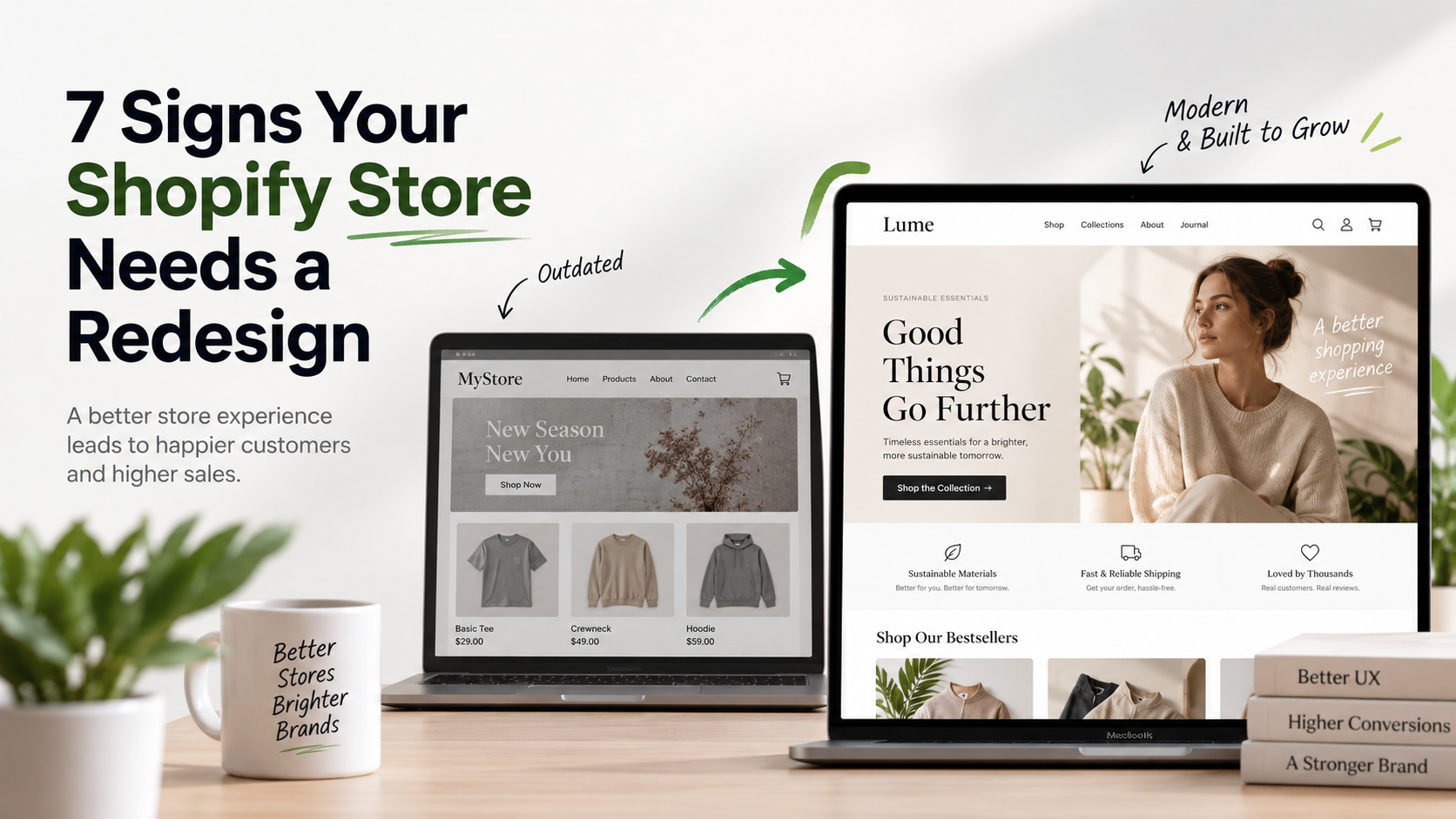
7 Signs Your Shopify Store Needs a Redesign
Your Shopify store doesn’t need a redesign simply because it has been online for a few years.
However, a Shopify store redesign may be worth considering if your current storefront makes it harder for customers to discover products, trust your brand, or complete a purchase.
As your business grows, customer expectations, product catalogs, branding, and technology can change. A store that worked well when you launched may no longer provide the experience your customers need today.
So, how do you know when it’s actually time for a redesign?
Here are seven common signs that your Shopify store may need a redesign.
1. Your Shopify Store Looks Outdated
Customers form an impression of your business quickly.
As a result, an outdated website can make an otherwise excellent brand appear less established, less professional, or less trustworthy.
Common warning signs include:
- Outdated typography
- Inconsistent spacing
- Low-quality banners
- Cluttered layouts
- Too many competing colors
- Inconsistent buttons
- Old-fashioned navigation
- Poor mobile layouts
A successful Shopify store redesign should create a visual system that feels consistent across the entire storefront.
The goal isn’t simply to make the website look newer. Instead, the design should make your brand clearer, your products easier to understand, and the shopping experience easier to navigate.
A modern design should also support your current business goals. For example, if you’re positioning your brand as premium, every part of the storefront should reinforce that positioning.
2. Your Shopify Store Is Frustrating on Mobile
A store can look excellent on a desktop monitor and still provide a poor mobile experience.
For that reason, check your Shopify store on an actual phone and follow the complete customer journey:
Navigate → Find a product → Select a variant → Add to cart → Checkout
During this test, look for friction such as:
- Small buttons
- Oversized banners
- Difficult menus
- Hard-to-use filters
- Layout shifts
- Pop-ups covering the screen
- Product information requiring excessive scrolling
- Difficult-to-use product selectors
More importantly, mobile optimization should be part of the Shopify redesign process, rather than something checked at the end.
Customers should be able to browse products, understand their options, and add items to their cart without constantly zooming, scrolling, or searching for the next step.
Therefore, responsive design should be considered from the beginning of the project rather than treated as an afterthought.
3. Customers Struggle to Find Products
This problem often appears as Shopify stores grow.
A navigation structure that worked with 100 products, for example, may not work with 10,000.
Watch for:
- Too many menu items
- Confusing categories
- Duplicate collections
- Poor search results
- Missing filters
- Inconsistent product categorization
- Difficult collection navigation
Ultimately, adding more products won’t necessarily increase sales if customers can’t quickly find what they’re looking for.
Instead, your Shopify store redesign may need to address catalog architecture, navigation, search, filters, and collection structure alongside the visual storefront.
This becomes particularly important for stores with large catalogs. Customers should be able to move logically from a broad category to a relevant collection and finally to the product they want.
Good UX isn’t only about how the store looks. In fact, it is also about how quickly customers can get from the homepage to the right product.
If shoppers repeatedly struggle to find products, your information architecture may need attention just as much as your visual design.
4. Your Product Pages Aren’t Convincing
A product page should help customers make a purchase decision.
However, if your pages contain only:
Image + title + price + Add to Cart
you may be leaving important customer questions unanswered.
Depending on what you’re selling, consider adding:
- Product benefits
- Specifications
- Size information
- Materials
- Delivery information
- Returns information
- Customer reviews
- FAQs
- Product recommendations
- Lifestyle photography
- Product video
Of course, the exact information depends on your products and customers.
A fashion store, for example, may need detailed sizing, materials, fit information, and multiple product images. Meanwhile, a furniture store may need dimensions, materials, assembly information, and delivery details.
The goal is to remove uncertainty and give shoppers enough information to confidently move toward checkout.
A Shopify product page redesign can often improve the customer experience without requiring a complete redesign of the entire store.
In some cases, improving product photography, content hierarchy, trust signals, and calls to action can have a greater impact than simply changing the overall visual style.
5. You’re Using Too Many Shopify Apps to Fix the Theme
Apps are an important part of the Shopify ecosystem.
However, problems can begin when dozens of apps are installed to compensate for limitations in the storefront.
For example, you might have separate apps for:
- Swatches
- Tabs
- Upsells
- Size charts
- Product badges
- Banners
- Pop-ups
- Related products
- Product filters
While individual apps can be useful, too many dependencies can make your store more complicated to manage.
In addition, multiple apps may introduce overlapping functionality, conflicts, additional scripts, or unnecessary maintenance.
During a Shopify store redesign, review your existing apps and identify which ones are genuinely necessary.
Some functionality may be better handled directly by the theme. Other features may still require dedicated apps.
As a result, reducing unnecessary dependencies can simplify store management, reduce potential conflicts, and help create a more maintainable storefront.
The goal isn’t to remove every Shopify app. Instead, it is to make sure every dependency has a clear purpose.
6. Your Branding Has Evolved but Your Website Hasn’t
Businesses change over time.
Maybe your products are more premium now. Perhaps you’ve entered new markets or your average order value has increased.
At the same time, your target customer may have changed.
Your brand might now be more sophisticated, your product range may be broader, or your business may be targeting a completely different audience.
If your website still represents the company you were three years ago rather than the company you are today, the digital experience may be holding the brand back.
Therefore, your Shopify store should reflect your current positioning.
A Shopify redesign can be an opportunity to align your visual identity, messaging, product presentation, navigation, and overall customer experience with where your business is today.
For example, a brand that has moved from a budget positioning to a premium positioning may need more than a new color palette. Product photography, typography, layouts, messaging, navigation, and even the checkout experience should communicate the new positioning consistently.
Your website should feel like the current version of your business — not an outdated snapshot of where it started.
7. You’re Getting Traffic but Not Enough Sales
This is one of the most important warning signs.
If customers are arriving but aren’t purchasing, don’t immediately assume you need more traffic.
Instead, investigate the existing customer journey.
Look at:
Landing Page → Collection → Product → Add to Cart → Checkout → Purchase
First, identify where the largest drop occurs.
Possible causes include:
- Weak product pages
- Poor mobile UX
- Lack of trust
- Confusing navigation
- Unexpected shipping costs
- Slow performance
- Weak product photography
- Poor calls to action
- Complicated checkout journey
- Missing product information
For example, if visitors reach product pages but rarely add products to their carts, the problem may be related to product presentation, pricing, trust, or the overall product page experience.
On the other hand, if customers frequently add products to their carts but abandon before completing the purchase, shipping costs, payment options, checkout friction, or unexpected fees may deserve closer attention.
Ultimately, a Shopify store redesign may help, but it should be based on evidence rather than guesswork.
Before changing everything, identify where customers are experiencing friction.
Analytics, heatmaps, customer feedback, conversion data, and usability testing can help you understand what is actually happening.
Does Every Problem Require a Complete Shopify Store Redesign?
No.
Sometimes, targeted improvements provide a better return on investment than rebuilding the entire storefront.
For example, you might only need:
- New product templates
- Improved navigation
- Better collection filters
- A redesigned homepage
- Mobile optimization
- Improved cart functionality
- Better product information
- Performance improvements
Therefore, auditing the existing store before starting a Shopify store redesign is important.
In many cases, the right solution isn’t a completely new website. Instead, a smaller number of high-impact improvements can solve the biggest problems.
For example, if your homepage performs well but your product pages have poor conversion rates, rebuilding the entire store may be unnecessary.
Similarly, if customers are struggling with navigation, improving your information architecture and search experience could be more valuable than changing the visual design of every page.
The right approach depends on the problem you’re trying to solve.
What Should a Shopify Store Redesign Achieve?
A successful redesign should improve more than appearance.
It should make your store:
Easier to navigate.
Easier to understand.
Easier to trust.
Easier to manage.
And ultimately:
Easier to buy from.
More importantly, design should support measurable business goals.
A good Shopify store redesign should consider:
- User experience
- Conversion rate
- Mobile usability
- Store performance
- SEO
- Product discovery
- Navigation
- Scalability
- Maintainability
- Brand positioning
The final result should not simply look better.
It should help customers find products faster, understand what you’re offering, feel confident purchasing, and complete the buying journey with less friction.
At the same time, your internal team should be able to manage products, collections, content, promotions, and other storefront elements without unnecessary workarounds.
How to Know If Your Shopify Store Needs a Redesign
If you’re experiencing several of these issues at the same time, it’s probably worth reviewing your existing storefront.
Ask yourself:
- Does the store still represent our brand?
- Is the mobile experience easy to use?
- Can customers quickly find products?
- Are our product pages answering important questions?
- Are we relying on too many apps?
- Has our target customer changed?
- Are we getting traffic without enough conversions?
If the answer is “yes” to several of these questions, your store may have more fundamental UX or conversion problems.
However, don’t assume that a complete rebuild is automatically the answer.
Start with an audit.
Identify the biggest friction points, understand the customer journey, review your analytics, and then decide which improvements are likely to have the greatest impact.
Think Your Shopify Store Needs a Redesign?
If several of these problems sound familiar, it may be time to review your current storefront.
At Lemon.dev, we design and develop Shopify stores with a focus on UX, conversion, scalability, and maintainability.
Instead of redesigning a store simply for the sake of making it look different, we focus on identifying the problems that are limiting the customer experience and business performance.
So, if you’re unsure where to start, send us your existing store and tell us what’s currently frustrating you.
We’ll help you identify whether you need a complete Shopify store redesign or a smaller set of high-impact improvements.
A better storefront isn’t just about looking better.
It’s about making it easier for customers to discover, understand, trust, and buy from your brand.