
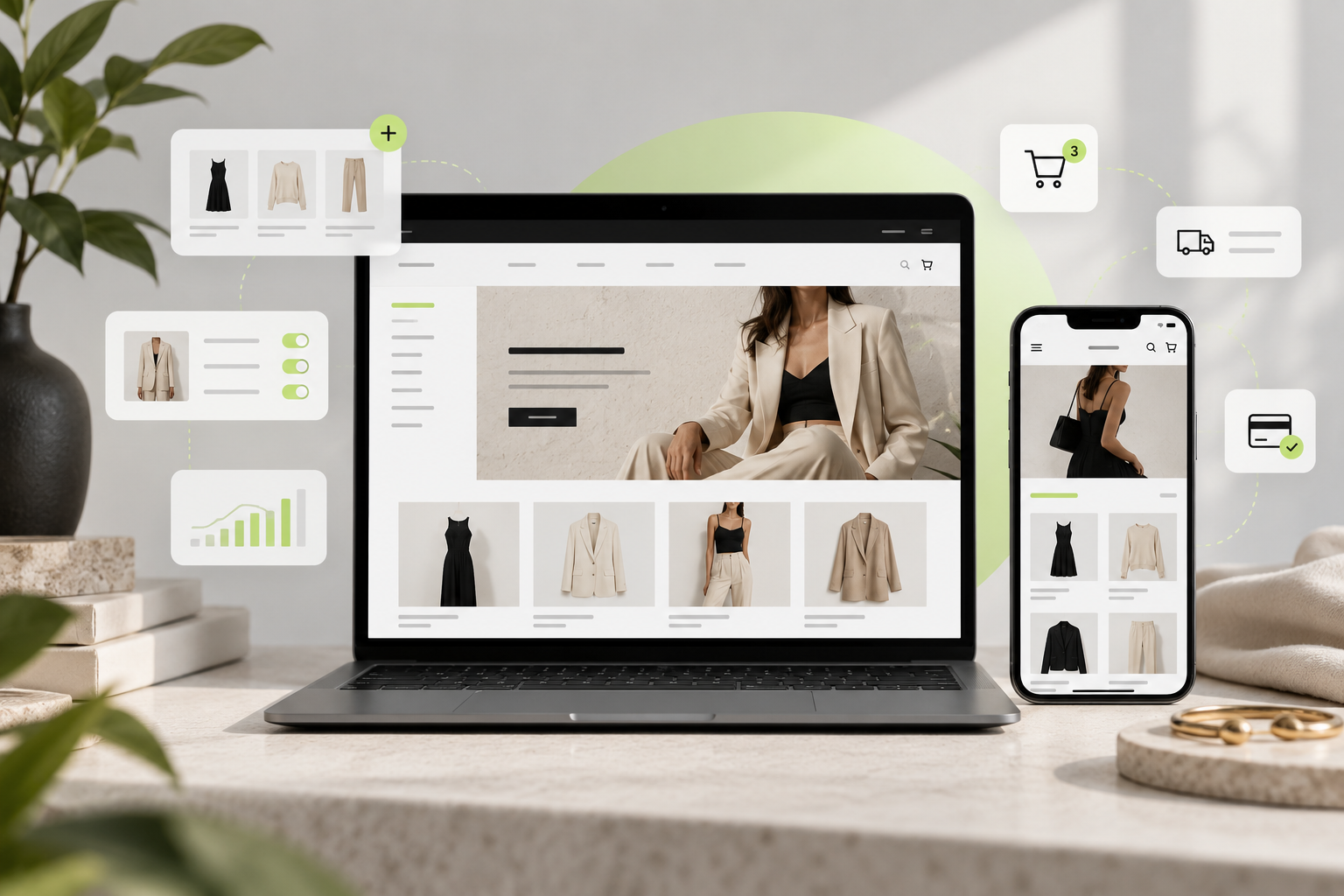
Launching a fashion brand online is easier than ever.
Building a Shopify fashion store that actually feels professional, is easy to navigate and converts visitors into customers takes considerably more work.
Fashion ecommerce is highly visual. Customers cannot touch a fabric, try on a jacket or check the fit of a dress before buying. Your website has to replace part of that physical shopping experience.
That means your Shopify store needs more than products and a nice homepage.
It needs:
- Clear product organization
- Professional fashion photography
- Easy-to-use navigation
- Size and fit information
- Strong collection pages
- Mobile optimization
- Product filtering
- Fast checkout
- Clear shipping and returns information
- A consistent brand identity
In this guide, we’ll walk through the complete Shopify fashion store setup process and explain how we approach fashion ecommerce projects at Lemon.dev.
Why Shopify Works Well for Fashion Stores
Shopify is particularly well suited to fashion ecommerce because your store can start relatively small and expand as your catalog grows.
A new clothing brand might launch with 20 products.
A multi-brand fashion retailer might need to manage 20,000.
The underlying principles are similar: products need to be properly categorized, customers need to find what they want quickly and the storefront needs to communicate a consistent brand.
Shopify also gives merchants the ability to organize products into collections and connect those collections with storefront navigation, making catalog architecture particularly important as the number of products grows.
1. Plan Your Fashion Catalog Before Building the Store
One of the biggest mistakes we see is designing the homepage before deciding how products will be organized.
Start with the catalog.
Imagine that you sell men’s and women’s fashion.
Your primary structure might look like this:
Women
- Clothing
- Dresses
- Tops
- Knitwear
- Jackets
- Jeans
- Shoes
- Bags
- Accessories
Men
- Clothing
- Shirts
- T-Shirts
- Knitwear
- Jackets
- Jeans
- Shoes
- Accessories
If you sell multiple designers, you may also need:
Designers
- A–Z
- Featured Designers
- New Designers
The structure should reflect how customers shop, rather than simply copying whatever categories exist in your supplier feed.
Keep collection names predictable
Fashion customers already understand terminology such as:
Dresses → Maxi Dresses
or:
Women → Shoes → Sneakers
You normally do not need creative names for basic product categories.
Save creativity for campaigns, editorial collections and seasonal landing pages.
2. Configure Products Correctly
Your Shopify fashion store setup begins to become much easier when product data is consistent.
Each product should contain the information customers need to make a buying decision.
At minimum, fashion products should normally include:
- Product title
- Product description
- Price
- High-quality images
- Brand or vendor
- Product type
- Size variants
- Color variants
- Material or composition
- Fit information
- Care instructions
- Availability
- SKU
- Shipping information where relevant
Product titles
Keep titles readable.
Instead of:
WOMEN BLACK DRESS MODEL 284728-BLK
use something like:
Amelia Black Satin Midi Dress
This is easier for both customers and search engines to understand.
Product descriptions
Avoid using only one or two generic sentences.
A strong fashion product description should answer questions such as:
What is it?
A lightweight linen shirt designed for relaxed summer styling.
How does it fit?
Relaxed fit with slightly dropped shoulders.
What is it made from?
100% linen.
How should it be cared for?
Machine wash cold and hang dry.
These details reduce uncertainty and help shoppers feel more confident purchasing online.
3. Set Up Sizes Properly
Sizing is one of the most important areas of fashion ecommerce.
Depending on your products, variants might include:
XS / S / M / L / XL
or:
36 / 38 / 40 / 42 / 44
or shoe sizes:
EU 38 / 39 / 40 / 41 / 42
Avoid mixing sizing systems without explanation.
If you sell internationally, explain whether the sizing is:
- EU
- UK
- US
- International
Add a size guide
Your product page should include an easily accessible size guide.
For clothing, this might contain:
| Size | Chest | Waist | Hips |
|---|---|---|---|
| XS | 82 cm | 64 cm | 90 cm |
| S | 86 cm | 68 cm | 94 cm |
| M | 90 cm | 72 cm | 98 cm |
| L | 96 cm | 78 cm | 104 cm |
| XL | 102 cm | 84 cm | 110 cm |
Also consider adding:
Model is 175 cm tall and wears size S.
Small pieces of information like this can make buying clothing online significantly easier.
4. Build Collections Around Shopping Intent
Collections are one of the most important parts of a Shopify fashion store.
Rather than creating random collections as you go, define your main taxonomy first.
For example:
Women → Clothing → Dresses → Maxi Dresses
Then create merchandising collections such as:
- New Arrivals
- Best Sellers
- Summer Edit
- Wedding Guest
- Workwear
- Vacation
- Sale
The difference is important.
Your main taxonomy helps shoppers navigate your catalog.
Editorial collections help you merchandise products and promote specific looks or occasions.
Shopify supports organizing products into collections and linking those collections through store menus, which makes a planned collection structure especially useful for larger catalogs.
5. Create Useful Product Filters
If your store has more than a small number of products, customers should not need to scroll through everything.
Fashion stores typically benefit from filters for:
- Category
- Size
- Color
- Brand
- Price
- Material
- Fit
- Availability
- Gender
For a multi-brand store, filters become even more important.
A customer may want:
Women → Dresses → Black → Size M → Under €250
A good filtering system lets them reach those products quickly.
Poor filtering creates friction.
And the larger the catalog becomes, the more serious that friction becomes.
6. Choose the Right Shopify Theme
Your theme creates the foundation for the customer-facing experience.
For fashion stores, we normally look for themes with:
- Large editorial imagery
- Flexible collection layouts
- Strong product cards
- Good mobile navigation
- Product filtering
- Quick-add functionality
- Multiple image layouts
- Promotional sections
- Mega menus
- Strong typography controls
The goal isn’t simply to find the theme with the most features.
The theme needs to match the visual identity and catalog size of the brand.
Minimal fashion stores
For a smaller premium label, you might use:
- Large imagery
- Lots of whitespace
- Editorial typography
- Fewer homepage sections
- Simple navigation
Large multi-brand fashion stores
For a store containing thousands of products, usability becomes more important.
You may need:
- Mega navigation
- Predictive search
- Brand navigation
- Advanced filters
- Product labels
- Quick add
- Recently viewed products
- Recommendation sections
Design and functionality need to work together.
7. Build a Homepage That Directs Customers
A fashion homepage should not try to show everything.
Its job is to introduce the brand and send customers deeper into the store.
A strong structure could be:
Hero
Large campaign image.
New Season Collection
Discover our latest arrivals.
Shop Women
Shop Men
Featured Categories
- Dresses
- Bags
- Shoes
- Accessories
New Arrivals
Show 4–8 products.
Editorial Banner
Introduce a campaign or seasonal collection.
Best Sellers
Highlight proven products.
Brand Story
Briefly explain what makes the brand different.
Social Proof
Reviews, press mentions or user-generated content.
Newsletter
Give customers a reason to subscribe.
The homepage should feel curated rather than crowded.
8. Design Better Collection Pages
For many fashion stores, collection pages receive more shopping activity than the homepage.
Customers might arrive directly from Google, Instagram or an advertisement.
A good collection page should therefore contain:
- Clear collection title
- Optional short introduction
- Product count
- Sorting
- Filters
- Consistent product cards
- Product badges
- Color options where useful
- Quick add where appropriate
- Pagination or thoughtful infinite loading
Product photography should also remain consistent.
Mixing white backgrounds, lifestyle images, different crops and dramatically different image ratios can make the store feel unprofessional even when the individual products are excellent.
9. Build Product Pages Around Buying Questions
Think about every question someone might ask inside a physical fashion store.
What material is it?
Does it run small?
Is it available in another color?
How long is delivery?
Can I return it?
How tall is the model?
What size is she wearing?
Your product page should answer those questions.
A strong fashion product page could include:
Product Gallery
Use several high-resolution images:
- Front view
- Back view
- Detail
- Close-up
- Lifestyle
- Product on model
Product Information
Show:
- Product name
- Price
- Color
- Size selector
- Size guide
- Add to Cart
- Availability
Additional Information
Use collapsible sections for:
- Description
- Composition
- Fit
- Care
- Shipping
- Returns
This keeps the page clean while still providing useful information.
10. Optimize the Store for Mobile Shopping
Never approve a fashion website based only on its desktop design.
Open the store on an actual phone and complete the shopping journey yourself.
Try:
Homepage → Collection → Filters → Product → Select Size → Add to Cart → Checkout
Check whether:
- Menu items are easy to tap
- Images load correctly
- Text is readable
- Filters are simple to use
- Size selection is obvious
- Product photos can be swiped
- Add to Cart is easy to reach
- Cart works correctly
- Checkout feels straightforward
Fashion websites rely heavily on imagery, so mobile performance deserves particular attention.
Huge unoptimized campaign images can make an otherwise beautiful website frustrating to use.
11. Configure Navigation
Keep your main navigation predictable.
For example:
New In | Women | Men | Designers | Accessories | Sale
Under Women, your mega menu could display:
Clothing
Dresses
Tops
Shirts
Knitwear
Jeans
Trousers
Jackets
Shoes
Sneakers
Boots
Sandals
Heels
Accessories
Bags
Belts
Jewelry
Sunglasses
Featured
New Arrivals
Best Sellers
Sale
Customers should understand the structure almost immediately.
12. Set Up Search
Search becomes increasingly important as your catalog grows.
Someone looking for:
black leather shoulder bag
should not need to browse several unrelated categories.
Make sure your product information is structured consistently so search and filters can work effectively.
For larger catalogs, pay particular attention to:
- Brand names
- Product types
- Colors
- Materials
- Tags
- Categories
- Synonyms
Good catalog data improves the entire shopping experience.
13. Configure Payments, Shipping and Markets
Before launching, configure the commercial side of the store.
Payments
Set up the payment providers available for your business and target market.
Shipping
Define:
- Countries you ship to
- Shipping rates
- Free shipping thresholds
- Estimated delivery times
- Express delivery
- Returns process
International Selling
If you plan to sell internationally, think about:
- Currency
- Language
- Regional pricing
- Product availability
- Duties
- Taxes
- Shipping
Shopify Markets can be used to manage customer experiences across different markets, including elements such as currencies, languages, pricing and product availability.
Do not simply enable dozens of countries without checking whether you can reliably ship and provide customer support there.
14. Add Essential Fashion Store Pages
Before launch, make sure the site contains the pages customers expect.
At minimum:
- About Us
- Contact
- FAQ
- Shipping
- Returns & Refunds
- Privacy Policy
- Terms & Conditions
- Size Guide
Depending on the brand, you may also want:
- Our Story
- Sustainability
- Materials
- Journal
- Stockists
- Designer Directory
- Authenticity Guarantee
These pages help customers understand the company behind the store.
15. Add SEO Before Launch
SEO should not be something you remember six months after launch.
Start with the structure.
Optimize:
Product Pages
Use descriptive product titles and useful copy.
Collections
Give important collections a unique title, description and search-engine metadata.
Images
Add appropriate alt text.
URLs
Keep URLs simple and understandable.
Internal Linking
Link between:
- Blog articles
- Collections
- Products
- Buying guides
- Brand pages
For example, an article titled:
How to Style a Black Blazer
could link directly to your:
Women’s Blazers
collection.
That turns informational content into part of the shopping journey.
16. Set Up Analytics and Marketing
Your launch is the beginning, not the end.
Make sure you can measure what customers do after arriving.
Track important ecommerce actions such as:
- Product views
- Add to carts
- Checkout starts
- Purchases
- Conversion rate
- Average order value
You may also want to connect your:
- Email marketing platform
- Advertising channels
- Analytics tools
- Product feeds
- Review platform
The objective is to understand where customers drop out of the buying journey and improve those areas over time.
17. Test Everything Before Launch
Do not launch immediately after finishing the design.
Run through the store as if you were a customer.
Shopify Fashion Store Launch Checklist
Products
- Titles checked
- Prices correct
- Images uploaded
- Variants working
- Sizes correct
- Inventory correct
- Descriptions complete
Collections
- Products correctly categorized
- Filters working
- Sorting working
- No empty collections
Navigation
- Desktop menu checked
- Mobile menu checked
- Footer links working
- No broken links
Product Pages
- Size selection works
- Size guide works
- Add to Cart works
- Product gallery works
- Related products display correctly
Cart & Checkout
- Discounts tested
- Shipping tested
- Payments tested
- Confirmation emails checked
Mobile
- Homepage tested
- Collections tested
- Product pages tested
- Cart tested
- Checkout tested
SEO
- Page titles
- Meta descriptions
- Image alt text
- Redirects
- Search indexing settings
A store can look perfect and still have a broken size selector or incorrect shipping rule.
Always test the complete customer journey.
What Makes a Fashion Shopify Store Successful?
The best fashion ecommerce stores usually do a few things exceptionally well.
They make products easy to discover.
They make products easy to understand.
And they make products easy to buy.
Beautiful design matters.
But good ecommerce design isn’t decoration.
It creates a clear journey:
Discover → Browse → Filter → Evaluate → Select → Purchase
Every part of your Shopify fashion store setup should support that journey.
Need Help Setting Up Your Shopify Fashion Store?
At Lemon.dev, we specialize in Shopify development for fashion and ecommerce brands.
We can help with the complete setup, including:
- Shopify store development
- Custom homepage design
- Theme customization
- Product imports
- Large catalog setup
- Collection architecture
- Category mapping
- Navigation and mega menus
- Product filters
- Supplier integrations
- Mobile optimization
- SEO structure
- Shopify launch support
Whether you’re launching your own fashion label, migrating an existing store or building a large multi-brand catalog, we can structure the store around the way your customers actually shop.
Ready to build your Shopify fashion store?