
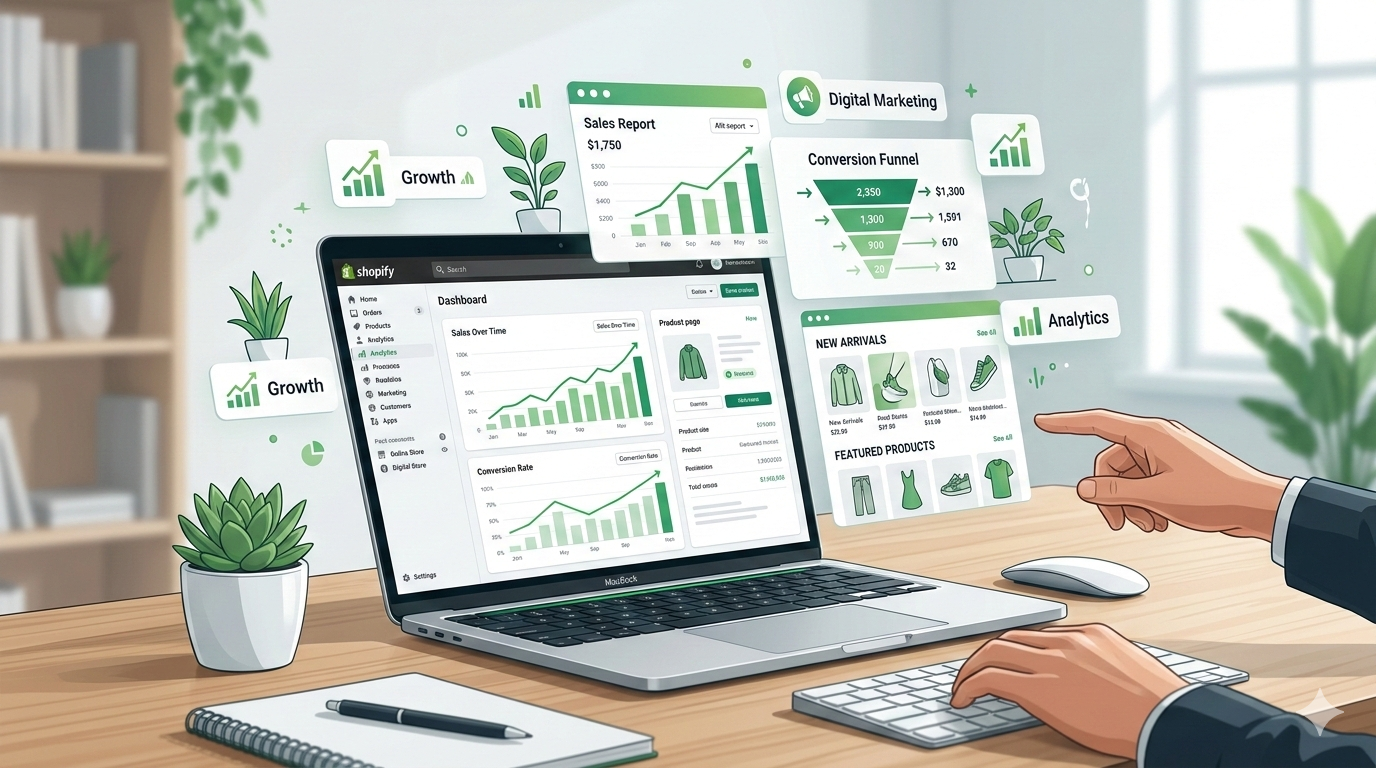
Shopify conversion rate optimization is one of the most important factors for building a successful ecommerce store. Many Shopify stores get traffic but fail to generate consistent sales because their design, user experience, and product pages are not optimized for conversions. In this guide, you will learn how to apply proven Shopify conversion rate optimization strategies to build a high-converting Shopify store in 2026.
Many store owners invest weeks adding products, writing descriptions, and designing their homepage, only to discover that their store gets traffic but very few sales. This happens more often than people think. The issue is rarely the product itself. In most cases, the real problem lies in store structure, user experience, and trust.
A successful Shopify store is not just about looking good. It must guide visitors smoothly through a journey — from the moment they land on your homepage to the moment they complete their purchase. Every section of your store should answer a question your customer might have: What is this store? Can I trust it? Is this product right for me?
In this guide, we’ll walk through the exact elements that help create a high-converting Shopify store in 2026, including homepage structure, product page optimization, collection page design, and the tools that can automate and improve your store over time.
Why Most Shopify Stores Fail to Convert
When someone launches a Shopify store for the first time, the assumption is usually simple: add products, design the website, and start running ads. In theory, that should work. In practice, it rarely does.
The reality is that most Shopify stores struggle with conversions because they overlook a few critical fundamentals.
One of the most common issues is confusing store structure. When visitors land on a website, they make a decision within seconds about whether they want to stay or leave. If the homepage doesn’t clearly communicate what the store sells and why it matters, people quickly move on.
Another common problem is weak product pages. Customers shopping online cannot physically see or touch a product, which means they rely entirely on the information presented on the page. If the images are low quality, the description is unclear, or there are no reviews, customers hesitate to buy.
Speed is another major factor. A slow store creates friction. Even a small delay while loading images or navigating between pages can cause visitors to abandon the site entirely.
Trust is also incredibly important. New stores often forget to include the signals that reassure customers that the business is legitimate. Payment icons, return policies, reviews, and professional design all contribute to a sense of security.
Finally, many stores are simply not optimized for mobile devices. Since the majority of online shopping now happens on phones, a store that works perfectly on desktop but poorly on mobile will inevitably lose potential sales.
Understanding these issues is the first step toward building a store that converts.
Homepage Structure That Actually Works
The homepage is often the most visited page on an ecommerce store, but its role is frequently misunderstood. A homepage is not meant to display every product you sell. Its purpose is to quickly guide visitors toward the products that interest them.
A well-structured homepage feels intuitive. Visitors should be able to understand what your store offers within seconds and know exactly where to click next.
The first section that appears on the screen — commonly known as the hero section — is particularly important. This area should include a clear headline that communicates your brand’s value, a short supporting message, and a visible call-to-action button. Instead of generic phrases like “Welcome to our store,” focus on what makes your brand unique.
For example, a fashion store might say something like:
“Authentic Designer Bags and Shoes Delivered Worldwide.”
This instantly tells visitors what the store sells and what they can expect.
Below the hero section, it’s helpful to highlight a few featured collections. These could include categories such as new arrivals, best sellers, trending items, or seasonal products. This allows customers to explore your store without needing to search extensively.
Another important element is social proof. Shoppers feel more confident buying from a store when they see that others have already done so. This could include customer reviews, user-generated photos, or mentions in media outlets.
A short section explaining your store’s main benefits can also help strengthen trust. Things like worldwide shipping, authentic products, secure checkout, or easy returns give customers additional reassurance.
Toward the bottom of the homepage, it’s common to showcase a small selection of best-selling products. These act as a shortcut for visitors who are ready to browse immediately.
Finally, including a simple email capture form allows you to stay connected with visitors who are not ready to purchase yet. Offering a small incentive such as a discount or early access to new products can encourage sign-ups and help build your email list.
Product Page Must-Haves
If the homepage introduces your brand, the product page is where the final decision happens. This is the moment when a visitor chooses whether to become a customer.
Because of this, the product page must answer every possible question a shopper might have.
The most obvious element is high-quality product images. Online shoppers rely heavily on visuals to evaluate a product. A strong product page usually includes multiple angles, close-up shots of details, and lifestyle images showing the product in use.
Next comes the product title. While it might seem like a small detail, the title should clearly describe the product and include important identifiers such as brand, material, or style.
Descriptions are equally important. Many stores simply list technical features, but a more effective approach is to explain how the product benefits the customer. Instead of focusing only on materials or specifications, highlight how the item improves the buyer’s experience.
Customer reviews play a powerful role as well. Even a handful of reviews can dramatically increase trust. People naturally want to know how others felt about the product before making a purchase.
Another effective tactic is creating a sense of urgency or scarcity. This doesn’t mean being aggressive or misleading. Simple messages such as “Only a few items left” or “Limited edition” can encourage customers to act sooner rather than later.
Finally, the Add to Cart button must be easy to find and clearly visible. If the button blends into the background or appears too small on mobile devices, customers may hesitate or abandon the page entirely.
Collection Page Optimization
Collection pages often receive less attention than product pages, yet they play a crucial role in helping customers explore your store.
Think of a collection page as a curated gallery of products. Its job is to help visitors quickly find items that match their preferences.
A clean layout with consistent product cards makes browsing easier and more enjoyable. Each product card should clearly display the image, price, and brand name.
Filters and sorting options are especially useful when a store offers many products. Allowing customers to filter by price, brand, color, or size makes navigation faster and more efficient.
Sorting features like “Best Selling,” “Newest,” or “Price Low to High” also improve the browsing experience and help visitors discover products that interest them most.
When designed properly, collection pages can significantly increase the time visitors spend on your store — and the likelihood that they will make a purchase.
Speed, Trust, and Mobile Experience
Even the best-designed store will struggle if it performs poorly. Speed, trust, and mobile usability are three technical factors that directly influence conversions.
Website speed is especially important. Large images, too many apps, or poorly optimized themes can slow down a store dramatically. Keeping your store lightweight and removing unnecessary scripts can make a noticeable difference.
Trust is equally critical. When customers reach the checkout stage, they need to feel confident that their payment details are secure. Visible security badges, payment icons, and transparent policies all contribute to this feeling.
Mobile optimization deserves special attention. Today, most ecommerce traffic comes from smartphones, which means your store must be designed with mobile users in mind. Navigation should be simple, buttons should be easy to tap, and text should remain readable without zooming.
A smooth mobile experience often leads to higher engagement and better conversion rates.
Tools and Automation That Save Time
Running an ecommerce store involves many repetitive tasks. Fortunately, the right tools can automate much of this work and allow you to focus on growing your business.
Review platforms help collect and display customer feedback automatically, which strengthens trust and improves product pages over time.
Email marketing tools allow you to create automated flows that run in the background. Welcome emails, abandoned cart reminders, and post-purchase follow-ups can recover lost sales and encourage repeat purchases.
There are also analytics and optimization tools that track how visitors interact with your store. Heatmaps, session recordings, and A/B testing features reveal where users encounter friction, making it easier to improve your store’s design.
Over time, these insights help refine your website and increase conversions.
Final Shopify Conversion Checklist
Before launching or scaling your store, it’s useful to review a simple checklist.
Your store should clearly communicate what it sells from the moment visitors arrive. Product pages should include strong images, clear descriptions, and visible reviews. Navigation should feel intuitive, and collection pages should make browsing easy.
The store must also load quickly, work smoothly on mobile devices, and include trust signals that reassure customers during checkout.
When all of these elements work together, your store creates a seamless shopping experience that naturally encourages visitors to become customers.
Download the Shopify Conversion Checklist (Free PDF)
If you want a simple way to review and optimize your store, a checklist can be incredibly helpful.
Our Shopify Conversion Checklist includes a step-by-step breakdown of the most important elements that improve conversion rates, from homepage structure to product page design and mobile optimization.
You can use it to audit your own store or improve a client’s store during the design process.
Download the Shopify Conversion Checklist (PDF) and use it as a practical guide when building or optimizing your Shopify store.